
Key points:
- Legacy software creates hidden costs, security gaps, and integration challenges that hinder agility.
- Recognizing warning signs early prevents compliance risks, downtime, and costly failures.
- Phased modernization with security, governance, and expert support ensures safer, future-ready systems.
Many organizations cling to legacy software because “it still works,” but beneath that veneer of stability lies increasing danger. Over time, what was once a dependable system may transform into a costly liability, exposing security gaps, creating integration bottlenecks, and undermining business agility.
This article dives deep into why legacy software becomes a liability, how to recognize the tipping point, and actionable strategies to modernize safely. Read on to protect your operations, reduce hidden costs, and future-proof your tech stack.
What Do We Mean by “Legacy Software”?
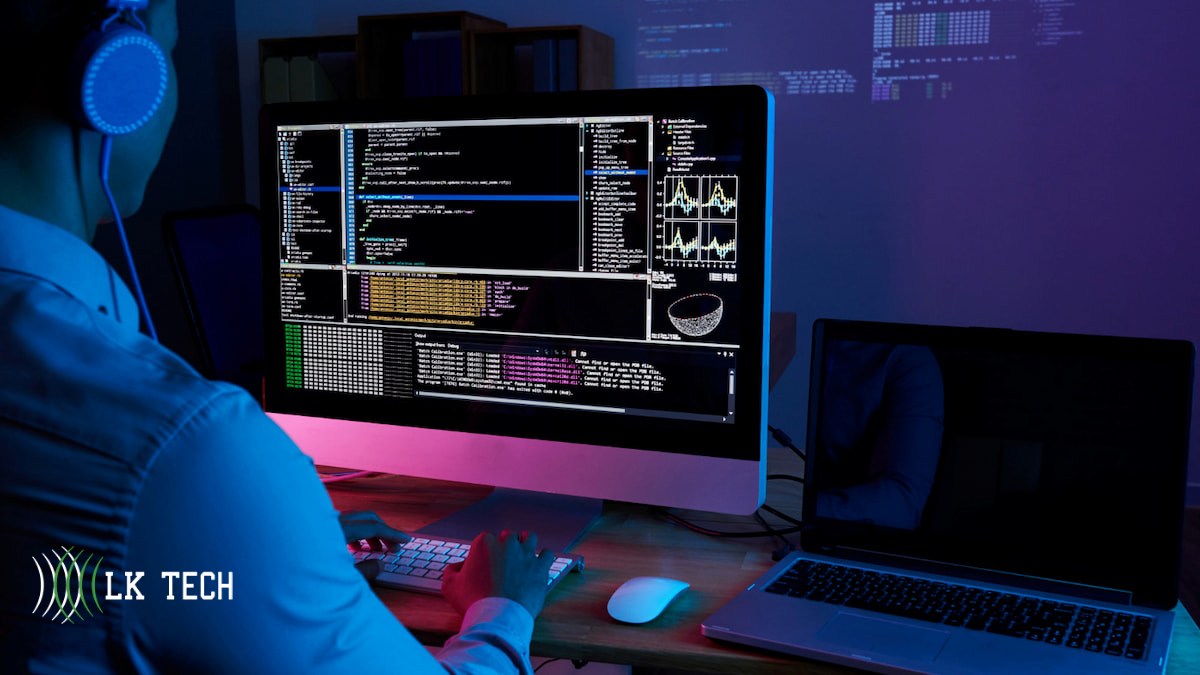
Before exploring liabilities, it’s essential to define what we mean by legacy software and understand its lifecycle.
- A legacy system is a technology, application, or platform that remains in use despite being outdated or no longer supported
- Legacy software often uses old frameworks, lacks vendor support, is poorly documented, or is incompatible with modern infrastructure.
- Over time, technical debt accumulates: code entropy, unresolved bugs, missing tests, and fragile interdependencies further degrade stability.
In short: legacy systems are more than old, they carry hidden risks.
Why Legacy Software Turns from Asset to Liability
Operational Risks and Hidden Costs
- Performance degradation & instability: As demands (data volume, user count) grow, legacy systems often fail to scale according to a study. They may suffer from slow processing, frequent crashes, and degraded reliability.
- High maintenance costs & scarce expertise: Maintaining outdated systems demands specialized knowledge that becomes harder to find. As original developers retire or move on, few new engineers understand the old codebase.
- Integration paralysis: Legacy software often lacks APIs or modern interconnectivity, forcing workarounds or manual transfers. This inertia blocks adoption of new tools like cloud services, analytics platforms, or automation tools.
- Hidden “cost of doing nothing”: When you postpone modernization, costs escalate: emergency fixes, patch gaps, downtime, regulatory fines, data loss, and reputational damage. Implementing a robust data backup strategy becomes even more critical when working with aging systems prone to unexpected failures.
Security, Compliance & Legal Risks
- Lack of vendor support and patches: Many legacy systems reach end-of-life (EOL), meaning no more updates or security fixes. That leaves known vulnerabilities unaddressed
- Weak or outdated security mechanisms: Older systems may use deprecated encryption, lack multi-factor authentication, or fail to integrate with modern endpoint protection.
- Regulatory and compliance exposure: Many industries require strict data controls (e.g. GDPR, HIPAA, PCI-DSS). Legacy software often lacks built-in compliance features, risking audits, fines or legal liability.
- Vendor or third-party access vectors: Outdated systems may allow legacy credentials, backdoors, or obsolete vendor access, even after relationships end.
- Liability fallout in case of breach: In a breach scenario, if it’s demonstrable that outdated systems were knowingly maintained, legal and reputational consequences intensify.
When Is Legacy “Too Far Gone”? Key Warning Signs
Recognizing the tipping point is crucial. Below are red flags that suggest your legacy software is becoming a liability:
- Frequent unplanned downtime or service interruptions
- Manual patches or emergency “band-aid” fixes
- Critical functions only maintained by one or two people
- Inability to integrate with new tools or APIs
- Rising defect or bug backlog
- Compliance audits flagging your systems
- Vendors refusing to support integrations
- Security scans showing unpatched vulnerabilities
- Budget skewed heavily toward maintenance rather than innovation
If multiple signs are present, it’s time to act.
Strategies for Mitigating Legacy Liability
1. Start with a Comprehensive Assessment
Conduct a full audit of your legacy environment:
- Inventory all software, versions, dependencies, and hardware
- Identify security vulnerabilities, compliance gaps, and usage stats
- Assess business value (what parts are still mission critical)
- Estimate technical debt (bugs, code quality, documentation)
- Map dependencies and data flows
This gives you a defensible baseline and helps prioritize efforts.
2. Prioritize by Risk & Value
Don’t attempt to modernize everything at once. Focus first on modules with:
- Highest security risk
- Greatest performance bottlenecks
- Strong business impact
- Integration barriers with new technology
Segment your modernization roadmap into phases with incremental wins.
3. Apply Modernization Patterns
Some of the common strategies include:
- Refactoring/redesign small modules to cleaner architecture
- Strangler Fig pattern: gradually replace pieces by routing new requests to modern modules
- Wrapping / API façade: encapsulate legacy with a modern API interface
- Replatforming / rehosting: lift-and-shift portions into containers or leverage cloud services for better scalability
- Full rewrite (where needed): for modules too brittle or insecure to salvage
Organizations that embrace IT transformation can shift from reactive maintenance to proactive innovation, aligning technology with business goals.
Research on migrating legacy JEE apps and service-oriented reengineering provides insight into how to incrementally decouple functionality.
4. Embed Security & Compliance Into the Process
As you modernize, ensure compliance is baked in:
- Enforce multi-factor authentication, role-based access, encryption
- Automate security scans, vulnerability testing, and pen tests (even on legacy segments)
- Use secure APIs, tokenization, and least privilege models
- Validate compliance rules as you migrate (e.g., data residency, audit trails)
5. Maintain Coexistence and Hybrid Models
Because full cutover is often impractical, run legacy and new systems side by side:
- Use data synchronization or event streaming
- Bridge via middleware, adapters, or microservices
- Define fallbacks for failover and rollback
This approach reduces disruption while modernizing gradually.
6. Invest in Training, Documentation & Knowledge Transfer
Preserve institutional knowledge by:
- Documenting architecture, key flows, and code logic
- Hosting workshops and cross-training
- Pairing legacy-aware staff with modernization teams
- Encouraging code reviews, annotations, and unit–test coverage
7. Monitor, Iterate, and Govern
Modernization is never “done.” After rollout:
- Continuously monitor performance, security, and usage
- Iterate improvements and patch newly discovered issues
- Enforce governance: mandatory updates, versioning policies, retirement plans
Avoiding Common Pitfalls; Lessons Learned
- Underestimating dependencies: Legacy systems often hide deeply entrenched integrations; failing to map them leads to hidden failures.
- Striving for perfection upfront: Over-ambitious rewrites often stall. Phased, agile modernization is safer.
- Ignoring user experience: Sudden changes without user buy-in breed resistance.
- Neglecting rollback and fallback plans: Always include contingency mechanisms.
- Weak executive sponsorship: Modernization needs backing from leadership to allocate budget and de-risk inertia.
Real-World Case Examples

- A public sector client delayed updating its legacy system and became vulnerable to ransomware that exploited unpatched backup tools.
- In a healthcare example, legacy electronic health record systems lacked modern encryption and triggered compliance audit failures.
- In modern threat reporting, system breaches like those exploiting Log4Shell demonstrate how deeply legacy code vulnerabilities can be weaponized.
These underscore how real these risks are, not theoretical.
Internal Integration: How Modern IT Services Can Help
Upgrading legacy software isn’t just about writing new code. It requires orchestration across infrastructure, security, cloud, and support. This is where expert service providers can make a difference:
- Managed cloud services help you rehost or containerize legacy modules.
- Application as a Service (AaaS) support can help you offload legacy applications into managed environments.
- Help Desk & managed support teams can maintain interim legacy operations while modernization occurs.
- CIO/IT consulting can help you craft a modernization roadmap, align stakeholders, and govern execution.
If your business is exploring modernization, internal partnerships with skilled IT service providers can shorten risk, speed execution, and maintain continuity.
FAQs
How do I know whether to refactor or rewrite legacy modules?
Use a cost-benefit matrix: refactor when modules are widely used and have manageable complexity; rewrite only when modules are brittle, insecure, or impossible to maintain.
Can I keep parts of the legacy system indefinitely?
Yes, but only if you encapsulate or isolate those parts securely, and have a clear sunset or migration path to avoid long-term exposure.
How long does a typical modernization journey take?
It depends on scale and complexity; small systems may modernize within months, while large enterprise systems may require 1–3 years of phased migration.
Ready to Stop Letting Legacy Hold You Back?
Legacy systems may have served well, but today they quietly drain resources, heighten risks, and limit growth. The good news, you don’t need to rip and replace everything at once. With the right roadmap and expert support, modernization can be secure, phased, and cost-effective.
At LK Tech, we help businesses transform legacy liabilities into future-ready systems through Application as a Service, infrastructure modernization, and managed security solutions tailored to your needs.
Don’t wait for downtime or a breach to force your hand, contact LK Tech today and let’s build a safer, smarter, and more resilient IT environment together.